How to Book a Delivery, Errand, or Personal Shopper with Paddim App
Need a quick, hassle-free way to send packages, run errands, or get a personal shopper? Look no further! Paddim Delivery App connects you with trusted service providers in your area, making deliveries and errands effortless.
Booking a delivery service with Paddim App is quick and easy! Follow these simple steps:
Step 1: Download & Open Paddim App
📲 Get the Paddim App from the Google Play Store or Apple App Store and sign in or create an account.

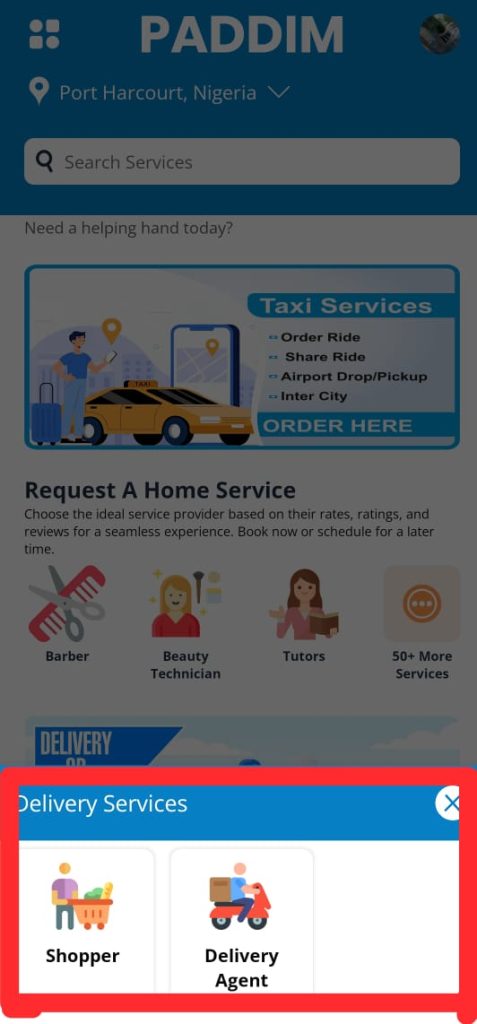
Step 2: Select the Service You Need
🔹 Delivery Service – Need to send or receive a package? Choose this option.
🔹 Errand Service – Need someone to pick up groceries, handle tasks, or run errands? Select this.
🔹 Personal Shopper – Want help buying clothes, gadgets, or gifts? Pick this service.
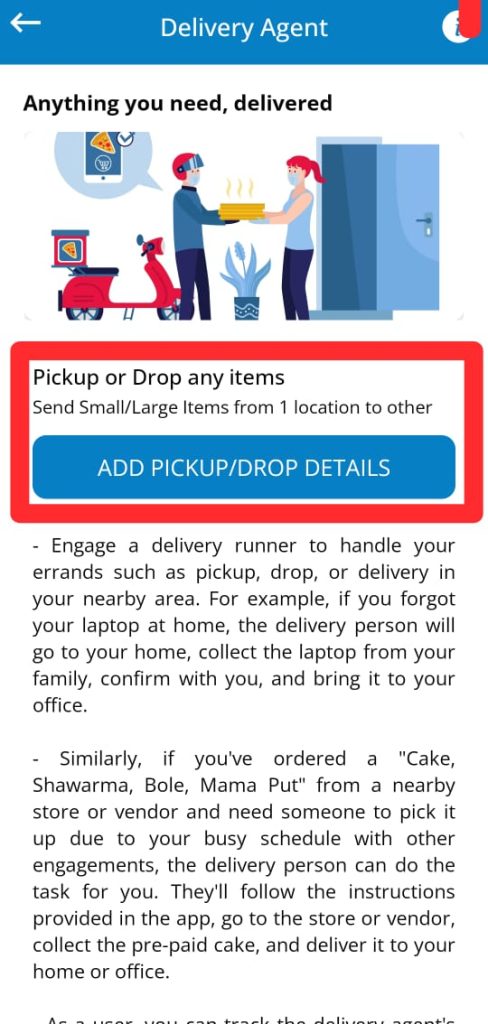
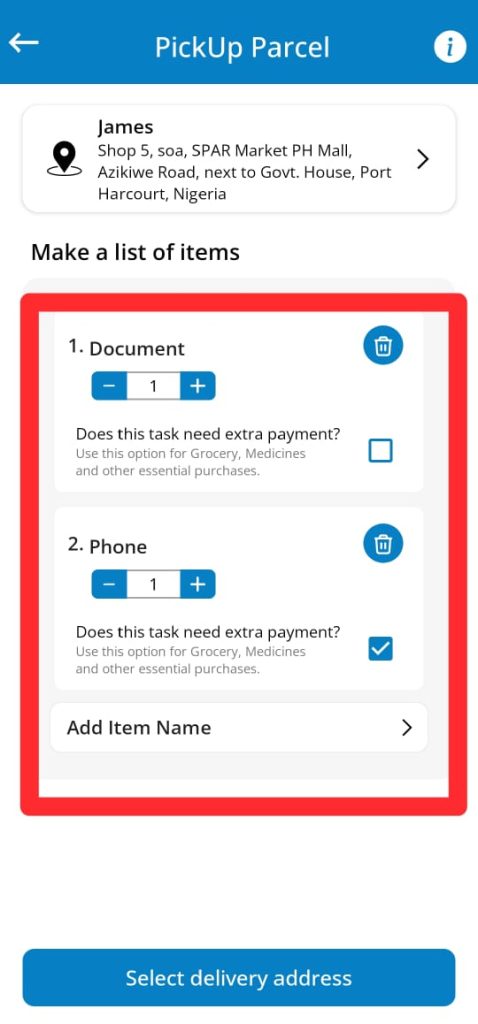
Step 3: Enter Your Request Details
📍 Pick-up & Drop-off Location – Add where the task starts and ends.
📝 Service Details – Provide any important instructions (package size, list of items, budget, etc.).
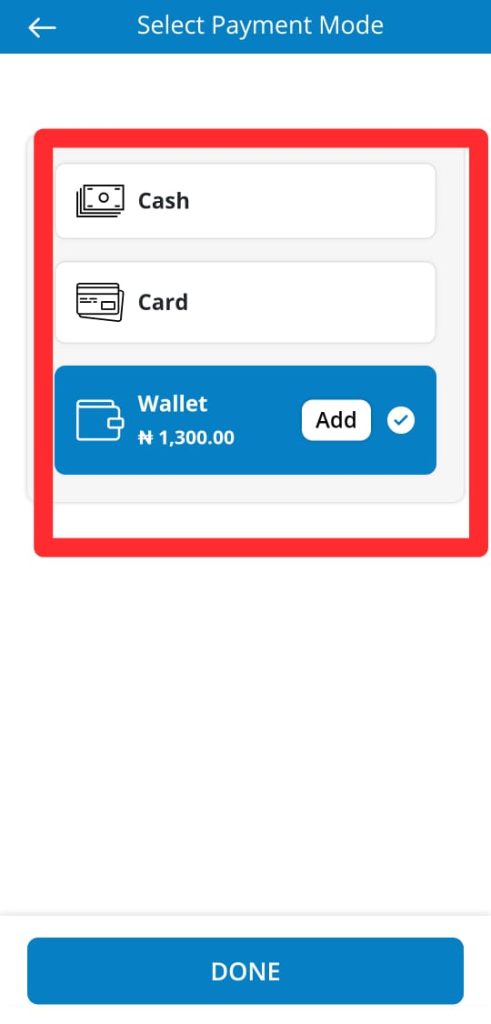
Step 5: Confirm & Make Payment
💳 Select a payment method (cash, card, or wallet) and confirm your booking.
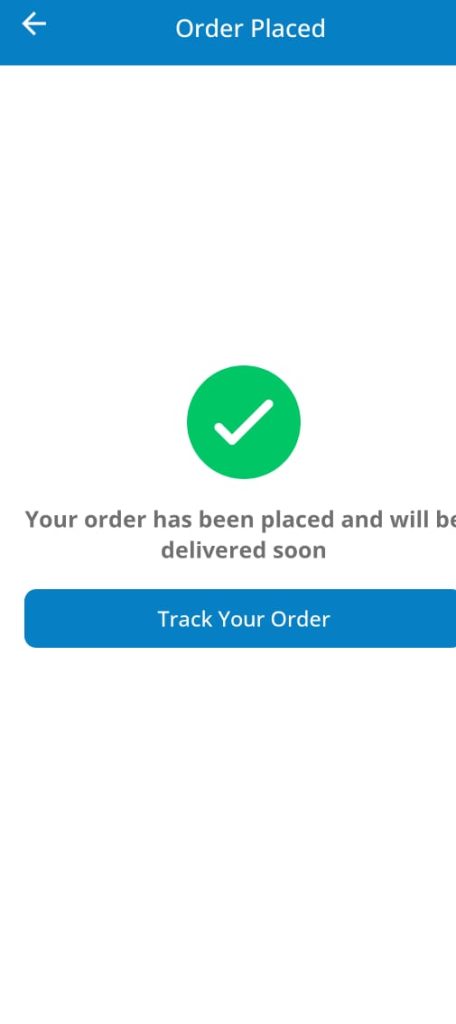
Step 6: Track Progress & Get Updates
📡 Monitor your request in real time, chat with the service provider, and receive updates until the job is completed.
Step 7: Rate & Review
⭐ Leave feedback to help maintain quality service on Paddim.
✅ It’s that simple! Fast, Reliable, and Convenient!
📲 Download Paddim App now & get things done effortlessly!